CasperVend Configuration
To configure SmartBots group invitations for CasperVend, simply follow the instructions below after you have logged into your CasperVend account.
- To begin configuring your CasperLet products for automatic group invitations, you first need to go to the Products page.
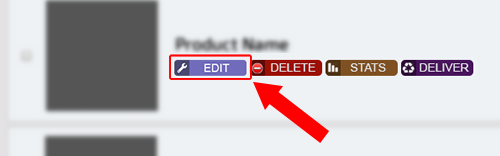
- Press the purple 'edit' button next to one of your products.
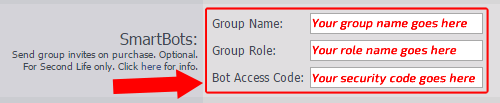
- Scroll down to the SmartBots section.
- Enter your group name into the first field.
- Enter the name (not title) of the role you wish to invite to into the second field.
- Finally, enter your [Security Code|group security code] into the last field.
- Press 'save' and check your vendor.