Purchasing Add-Ons
GlaznahGassner (Talk | contribs)
(Created page with "The overall process of purchasing a Module is as follows: # Enter Bot Store # Purchase the module # Attach module to your bot == Detailed instructions == The following images ...")
Newer edit →
(Created page with "The overall process of purchasing a Module is as follows: # Enter Bot Store # Purchase the module # Attach module to your bot == Detailed instructions == The following images ...")
Newer edit →
Revision as of 22:37, 21 September 2014
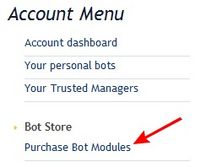
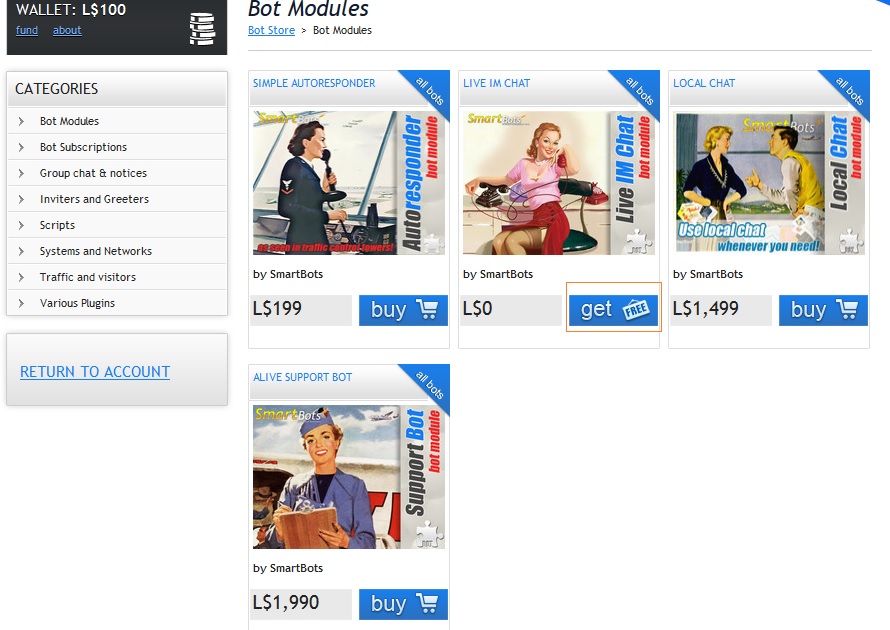
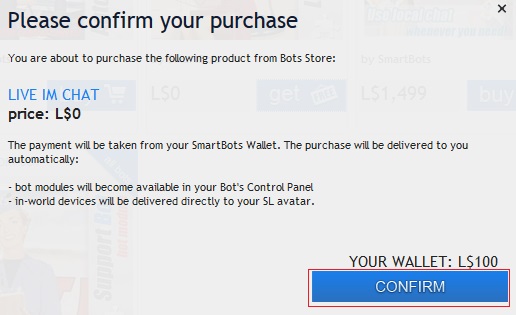
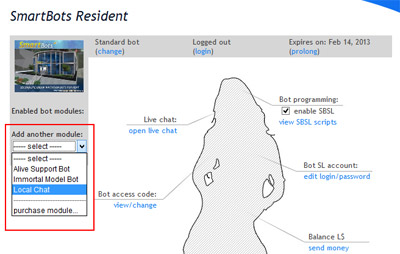
The overall process of purchasing a Module is as follows:
- Enter Bot Store
- Purchase the module
- Attach module to your bot
Detailed instructions
The following images demonstrate the process of Module installation: