
How to Remove a group
When you no longer need a group you can remove it from your account.
The following instructions shows how to do that:
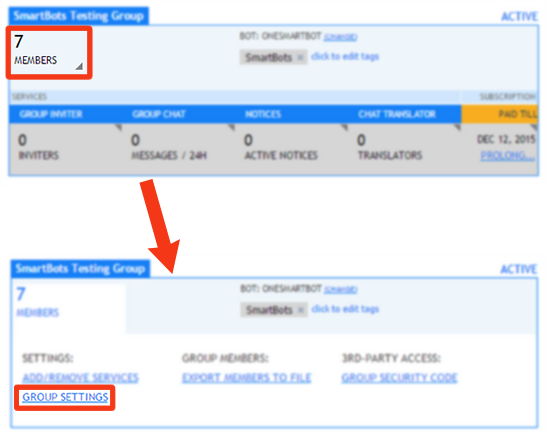
- Login to your smartbots account and look for the group you want to remove.
- Hover over the number of members.
- Click 'group settings'
- Select the "Remove Group" tag:
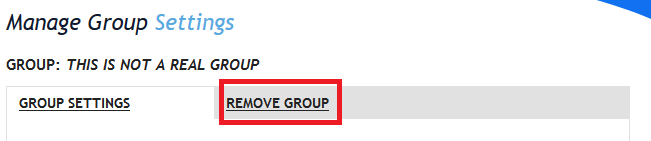
- Click the link that is shown
- Confirm you want to remove the group
The group has now been removed from your account dashboard and can no longer be controlled with smartbots unless you re-add it.
This only removes a group from your account dashboard, everything stays the same inworld.