
Purchasing Add-Ons
The overall process of purchasing a Module is as follows:
- Enter Bot Store
- Purchase the module
- Attach module to your bot
Detailed instructions
The following images demonstrate the process of Module installation:
| 1. Open SmartBots Bot Store | 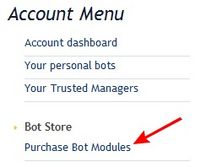
|
| 2. Locate the module you need and click the Buy/Get button | 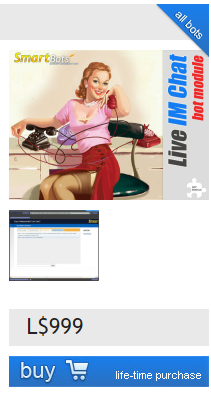
|
| 3. Confirm your purchase and pay for the module using your Wallet | 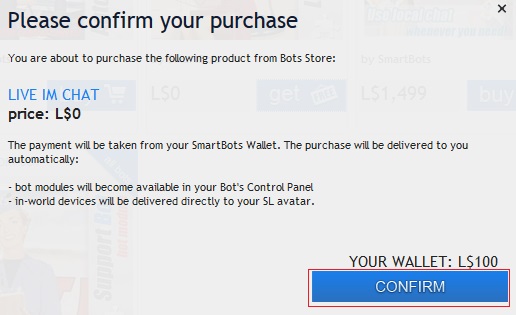
|
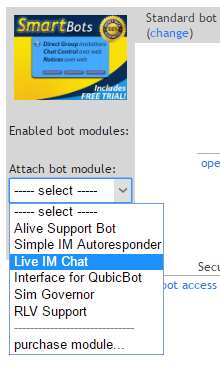
| 4. After purchasing, open your bot control panel.
Open modules list and select the module you've purchased |
|
For general information on Modules click here.